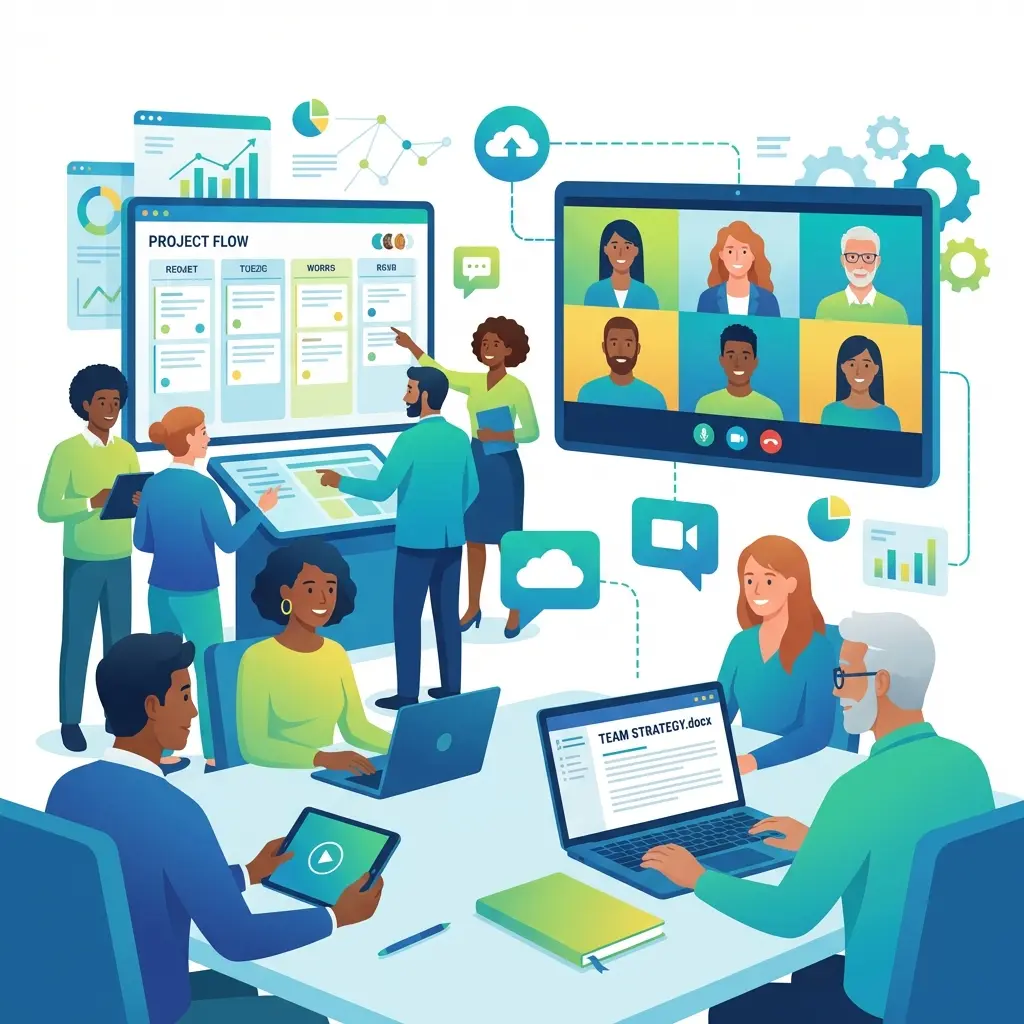
Stop sharing passwords. Learn how our Teams feature allows you to collaborate securely on Biolinks, QR codes, and more.
Introduction
As your business grows, you can't do everything yourself. You need a team. But sharing your login credentials with employees or freelancers is a huge security risk. Our Teams feature is built for secure collaboration.
How Teams Work
Instead of sharing one account, you invite team members to your workspace. You can assign different roles and permissions, ensuring everyone has exactly the access they need—and nothing more.
Key Benefits
1. Security
Keep your master password private. Revoke access instantly if a team member leaves.
2. Organization
Group your Biolinks and QR codes into shared projects that the whole team can work on.
3. Efficiency
Let your designer handle the visuals while your marketer handles the links, all within the same platform.
Conclusion
Scale your business without compromising security. Start building your team on our platform today.